Tips, Tricks, and Tutorials

Teaching you fun and interesting things to do with your digital images. Whether it's highlighting a new app, or a tutorial on how to edit a photo, we want to help you make the most of your memories.

Featured Thought

Visit our blog every Thursday when we will post a brand new thought or quote! What's the point of our 'Thursday Thought' feature? Because everyone could use a good one every now and then.

Customer Feedback

Want to see your raving reviews here? Comment on one of our social media sites, or email us at customerservice@larsendigital.com. We love hearing from you!

Digital Photo Makeover

Your old film and photos can go through a lot. Whether they are extremely discolored, torn or ripped by a child, involved in a flood or accident, we want to fix it!

Check This Out!

The world's very first photograph! We wouldn't have a business if the photography industry never progressed. It's amazing how far we come, and how advanced we continue to get.

We pride ourselves in our track record since we started business back in 1995. We have always made sure that each and every one of our customers is treated with professionalism along with a personal touch. We're proud to be the most trusted source of slide and negative scanning in North America. We are located beneath the snow-capped peaks of Mount Ben Lomond in Pleasant View, Utah. Pleasant View is 45 miles north of Salt Lake City, host of the 2002 Winter Olympics. All work is done in house here in Utah. We do not outsource any work out of the country like many other companies do.

Thursday, September 29, 2011

Buying a Tablet?

With so many tablets on the market now, which one do you buy?

Check out these tips from PC Magazine on buying the right tablet for you.

http://www.pcmag.com/article2/0,2817,2382821,00.asp#fbid=hUq
pcp7a3tW

Tuesday, September 27, 2011

3 great iPad apps for reading the news!

It has been said that information is power.

These days information is so readily accessible that almost anything can be searched out and discovered within seconds using our smartphones and tablets. Owners of the iPad can experience greater informational power by using a few key applications that are able to serve the latest and greatest news articles in a flash, without having to browse around multiple websites in Safari.

Three of the most popular and useful applications for reading the news on the iPad are Zite, Flipboard, and Editions by AOL. These three apps scour the Internet and return articles that create a personalized magazine that can be customized to fit the user’s interests.

While each app essentially performs the same task, they have each found a way to provide unique tweaks and features that keep iPad users entertained and coming back for more day after day.

Zite

Zite was released on March 9, 2011, and quickly gained favor in the eyes of many news enthusiasts. Fortunately for the Canadian company Zite, Inc., its innovative app gained so much popularity that it was recently acquired by CNN.

It can be said that Zite is a “smart app" because it will, over time, automatically learn what each user’s interests are based on the articles that are read. As it learns, Zite will serve more articles based on those interests.

Each user can help Zite learn faster by giving each article read a thumbs up or thumbs down in a side bar that is built into each page.

The magic behind Zite is that it will go out and grab news articles within preset or custom, user-created sections from all different sources on the Internet to present the most customized reading experience.

Zite has become a one-stop shop for all the latest news. Instead of browsing around several websites, iPad users can simply open Zite and be automatically presented with the news that is most relevant to them. Zite is currently available for the iPad only, but is expected to be released for other tablet platforms in the future.

Flipboard

Flipboard is an innovative app that helped pave the way for apps such as Zite. Rather than gathering articles from all over the Internet as Zite does, Flipboard allows the user to select favorite sites from the Internet that are loaded into a section on the homepage. The content from those sites are then integrated into the app’s magazine-like interface for a unique reading experience.

Flipboard integrates site content in a very clever way that gives it the feel of a physical magazine. There is even a fun little animation that simulates a physical magazine page turn with each swipe. After becoming accustomed to Flipboard’s interface, reading the same website content within Safari will seem like a flavorless experience.

One key feature that sets Flipboard apart is Facebook integration. After logging into Facebook through the app, Flipboard will take the user’s Facebook wall and transpose it to magazine form. This creates a new and interesting way to view Facebook. The app even gives the user the ability to “Like” and comment on status updates and pictures posted by friends. As there is currently no dedicated Facebook application for the iPad, Flipboard can be used as an alternative in the interim while Mark Zuckerberg decides on a release date for his official iPad app.

Flipboard was released on July 21, 2010, and was one of the first customizable news apps on the scene. It was named as Apple’s iPad App of the Year in 2010 and was also named one of the Top 50 inventions in 2010 by TIME Magazine.

Editions by AOL

Released on August 3, 2011, Editions by AOL is the new kid on the block. The user interface of Editions is one of the most unique and really gives the user a true, personalized magazine experience. Each day, the app will deliver a new “Edition” of a personalized magazine full of articles and news stories from user-selected topics.

Editions comes with several preset sections including Top News, Local News, Technology, Business, Entertainment, and Sports. More preset sections are available and can be added based on the user’s interests. Like Zite, Editions is a smart app that will learn over time what each user is most interested in and will serve up the most relevant articles.

The feature that is most unique about Editions is it integrates local news and weather based off geographic location of the iPad being used. Facebook integration is also available which informs the user of upcoming birthdays and other events.

Despite the beautiful interface and unique features, Editions lacks the ability to create custom content sections as Zite does. Also, Editions only presents a handful of articles within each section and displays fewer articles per page than Zite and Flipboard. This can be a drawback for those who prefer to view more content and headlines at once.

However, this can also be seen as a benefit to those who prefer smaller amounts of content per page, which creates a less distracting and more concise interface. All in all, Editions is a very well-built app and has received high reviews in the App Store.

Each of these three apps essentially performs the same task. Each user’s needs and preferences are left to decide which app is truly the most useful and entertaining. While these apps all deliver the news, the best news of all is that they are free in the App Store and can be accessed without advertisements.

-Article from KSL.com

Wednesday, September 21, 2011

Digital Scrapbooking!

Forget the paper and cricut machines! Digital Scrapbooking is the new way to decorate and style your photos.

Check out TopTen Reviews' picks for the best software!

To get started, all you need is to get your photo memories converted to digital format.

To begin, visit us here


Wednesday, September 14, 2011


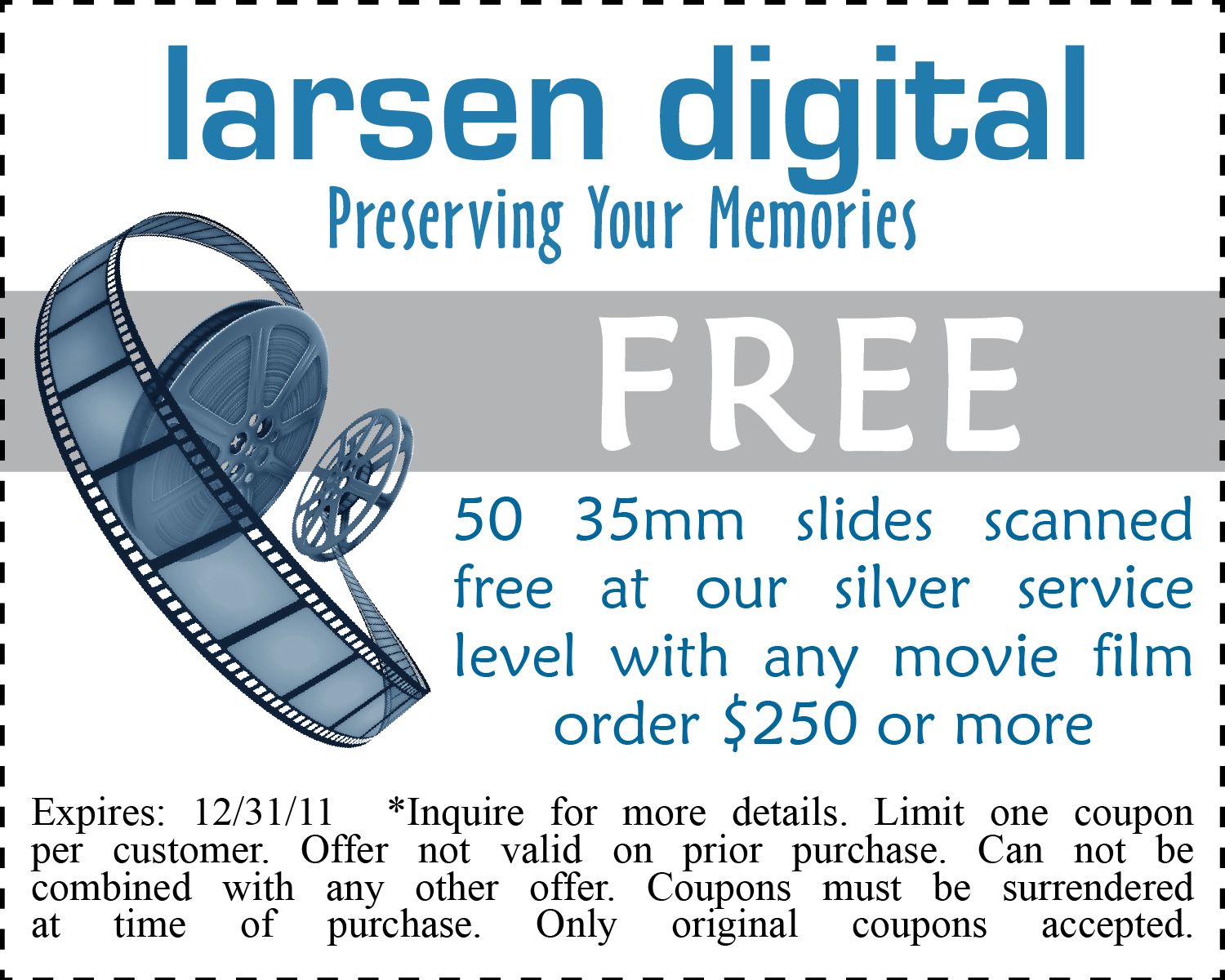
----------Print Your Coupon Off Below----------


To order, visit us HERE!

Monday, September 12, 2011

World's First Photograph

(Find source here)

Want to get your old photographs preserved? There is no better time than now!
Visit us HERE to find out more!

Wednesday, August 31, 2011


----------Print the Coupon Below For Your Savings!-------


Order Here Today!

Thursday, August 25, 2011


Larsen Digital Services is located in Pleasant View, UT - about 45 miles north of Salt Lake City.

Near Salt Lake is a city called Herriman, where they have recently experienced their second fire in one year. So here is something to think about...

What will you do if a fire comes near your house?

Are your photos and family videos digitized?

No one wants to lose their memories, but the sad part is that once they are burned, they are gone. Larsen Digital Services takes your old format film and digitizes it. So not only do you have your paper photos and negative film, but you have a digital copy of your memories.

We also offer a service known as '5 Year Data SafeKeeping' where we hold on to your digital files for 5 years in case of a mishap such as a fire. This service can be renewed every 5 years to ensure that you never have to worry about your memories!

Don't take a chance- take care of preserving your old format film now.

www.slidescanning.com


Wednesday, August 17, 2011

Monday, August 8, 2011

Why You Need To Preserve YOUR Memories!


Thursday, August 4, 2011


Did you know that we transfer your movie film and VHS Tapes to DVD AND BluRay?

Do you want to play BluRay discs, but aren't sure how to buy the player? Let these thoughts from PC Magazine help you in your endeavor.

Aren't sure if DVD's or BluRay's work better for you? Give us a call and let us help you determine your needs! Our customer service representatives are always happy to help you get the information you need to preserve your memories! Find our contact information here.


Wednesday, August 3, 2011

----------Print the Coupon off Below!----------


Find more details HERE!

Friday, July 29, 2011

Want Free Money?

Become a fan on our facebook page and automatically be entered for our weekly prizes!
We give:

3 $25 gift certificates

and

1 $50 gift certificate

away each month!

Visit us here to become a fan!

Wednesday, July 27, 2011


----------Print The Coupon Below!----------


Want to Order? See us here!

Tuesday, July 26, 2011


A lot of people are looking to send their slides in to a company to be digitized, but they don't know where to start! Here are some tips to making your job easier:

Step 1: Un-Organized Slides

If you don't know the order you want your slides scanned in, just send them in to us as they are; we will scan them and we can upload them to our Online Image Organization system. This system allows you to organize your images after we scan them.

Step 2: Organized Slides

If you do know the order you want your slides scanned in, the preparation steps are simple!

You can leave your slides in the carousels if you want, and label each carousel with a title.

Carousels weigh more than the slides they are holding, so this will increase your shipping costs. If you want to keep your costs down, you can take your slides out of the carousels and send only the slides.

Step 3: Slide Bundles

If you take the slides out of the carousels, or other slide containers you will want to bundle them into groups.

Try an avoid bundling more than 50 slides in each bundle because rubber bands can break if you exceed that amount. If your group has more than 50 slides, just create two bundles & label them, so we know they belong to the same group. Example "Group 1a," "Group 1b"

Label your bundles so that we can add a title for each group. Make sure you write clearly, or better - type up the titles & print it out.

Step 4: Slide Groups

We offer 1 group for every 50 slides you send in, you can divvy your groups up however you want. For example, if you have 200 slides you will receive 4 groups at no charge.

The first group could have 80 slides, the next could have 20, the next could have 30 and the last could have 70. If you need additional groups over the allotted amount it will be $2 per group.

*this does not apply to groups created online; you can create as many groups online as you wish.

If your slides are in plastic protector sheets, and you have a specific order you want the slides scanned in, just number & label the sheets.

Step 5: Handling Fees

Slides received with metal clips attached to the slide, will receive a 15¢ handling charge per slide.

110 Format slides received in 1" mounts will also receive a 30¢ handling fee per slide.

For a full list of our handling fees Click Here

Step 6: Order Form

Fill out our order form, if you need help at any time, don't hesitate to call us at 1-800-776-8357.

Step 7: Package & Ship

Place all your items in a shipping box with packing material so that your slides are not jumbled around in the box. Make sure you include your order form in your box so we know who the slides belong to when they arrive.

We accept shipments from all carriers, so you can pick whichever carrier is most convenient for you. We do recommend either UPS or Fed Ex because they offer the ability to track your package.
We do not recommend using the Post Office to ship your slides

Step 8: We Take Care of the Rest!

Once we receive your package we will notify you by e-mail that your package has arrived and the date we expect it to be completed. It's that easy!

Friday, July 22, 2011

Announcing a New Partnership!

Take your videos into the digital age!

With Pixorial, you can access, organize, edit, store and share all your video memories on demand.

All Larsen Digital customers gain access to Pixorial's Premium Membership for 30 days upon signing up! Additionally, the price of a Premium Membership is only $39 for Larsen Digital customers -- a $10 discount on the normally $49 Membership.

With Pixorial's Premium Membership, Larsen Digital customers get priority processing and full-screen viewing! Additionally, you get the Pixorial Producer, which gives you extended editing features and the ability to add transitions, text, titles, credits and access to more than 1500 music tracks from Pixorial's library. You can also share videos on your favorite social networks, embed on your blogs, create customized DVDs and much more!

Wednesday, July 13, 2011

-------Print coupon below to receive your savings today!-------


Order here!

Monday, July 11, 2011


Check out this makeover! Looks like this picture has been crumpled- but who wants to throw this memory away when we can fix it for you!


We have dedicated artists who treat your precious photos as their own, and work hard to bring your memories back to life.

This project would be roughly $30.00. Reminiscing is priceless. See how much yours would cost today!

Check out more restoration examples here

Larsen Digital Services
1-800-776-8357

Wednesday, July 6, 2011

-----------Print the coupon below------------


Want to order? Visit us HERE!

Thursday, June 30, 2011


I think you should check out our new website!

We have given ourselves an internet makeover and it looks amazing!!

Visit us here

Friday, June 10, 2011

Monday, June 6, 2011

Did you know... we have amazing artists who do incredible restoration work on your photos?
This picture had extreme fading in the upper right hand corner distracting from the subjects of the picture. It also had writing across the top.


Look how we were able to bring this picture back to life!

Want to see how much your restoration project would cost?
Visit us here!

Wednesday, May 25, 2011


-------------------------------------------------


Print your coupon today!

To see our list of services, visit us here!

P.S. Don't forget to check out our website next week- it's one makeover you won't want to miss!

Tuesday, May 24, 2011


Make sure you check out our NEW and IMPROVED website next week! We are so excited to launch our new look!

Monday, May 16, 2011

---------------------------------------


Our amazing digital artists were able to fix the wrinkles in this photo, as well as the ripped corner! A little color correction was done, but these adjustments make for a great makeover!

See what we can do with your damaged photos today!

Call us at 1-800-776-8357, or visit our website here!

Friday, May 13, 2011


Question: We are doing this as a project for a gift for my parents; can we spread the cost across multiple credit cards?


Answer: Yes!

Once you have recieved your confirmation e-mail letting you know that your order has arrived here and we have checked it in, just give us a call to make payment arrangements on multiple credit cards.

Please have your order number available when you call so that we can quickly assist you.

Thursday, May 12, 2011


"A good snapshot stops a moment from running away."
-Eudora Weity

Monday, May 9, 2011

---Storage Edition---

Are you slides consuming too much space in carousels or binders? Are they unorganized and messy? YOU CAN CHANGE THAT!


All it takes is sending your slides in to Larsen Digital, and we will return your images on a CD or DVD- not only preserving your memories, but saving space!

Send yours in today! Order here!

Want to know where to start? Check out our preparation page here.

Friday, May 6, 2011

Question: Do you send my film and photos out of the country to be scanned?

Answer: NO!


Millions of memories, One facility. All in the USA!

Friday, April 29, 2011


Question: Do you include background music on the DVD Video SlideShow?


Answer:

Did You Know...
SlideShows are a great way to showcase your digitizes images. They make great presents, and are wonderful presentations for anniversary and birthday parties. With music in the background, it truly brings the emotion of your memories back to life!!

Want to learn more about our DVD Video SlideShows? Visit our website HERE!


Wednesday, April 27, 2011


--------Print Coupon Below--------


Order HERE and take advantage of these savings today!